Changelog

Follow new updates and improvements to PrepBusiness.

April 14th, 2026

Outbound Shipments Overhaul

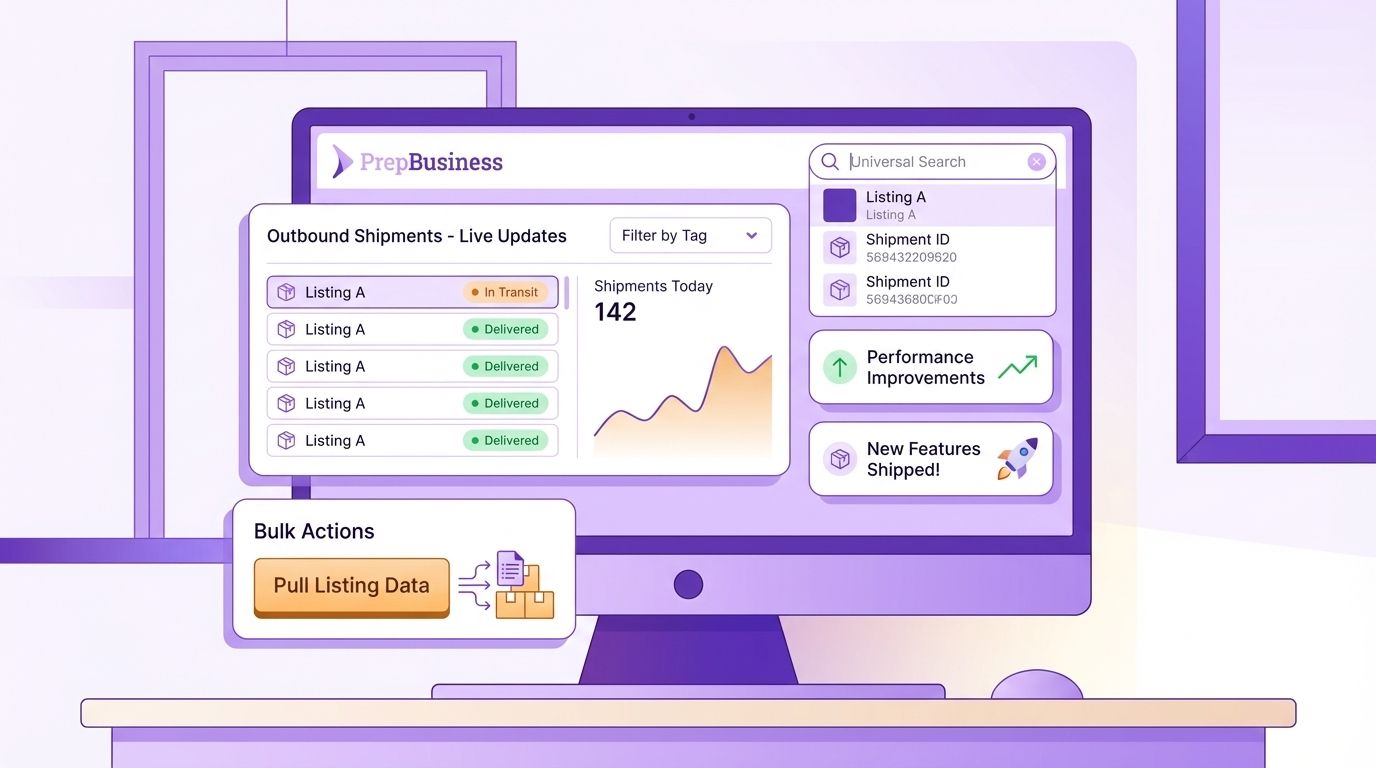
The outbound shipments page has been rebuilt with server-side pagination, real-time updates, and powerful new filtering options. You can now filter by tags, date range, and status β€” and the sidebar statistics update to reflect your active filters. A new "Shipments by Tag" card shows how many shipments are assigned to each tag, and clicking a tag instantly filters the table. Sorting by status and date is also now supported, along with fuzzy search across notes, internal notes, item identifiers, and tags.

Bulk Pull Data from Listings

A new "Pull Data from Listings" option in the inventory bulk actions menu lets you update multiple items at once using data from their linked channel listings. Select items, review suggested listing matches, accept matches in bulk, and copy titles, images, identifiers, and dimensions from listings to items β€” all from a single page.

Listings in Universal Search

The universal search bar now includes channel listings as a fallback result type. If your search doesn't match any items or shipments, listings matching by title, SKU, or channel identifier (ASIN, FNSKU, etc.) will appear as results.

Select All on Charges

A select-all checkbox has been added to the charges table header, making it faster to select and act on multiple open charges at once.

Bug Fixes & Improvements

  • Fixed large photo uploads timing out when adding images to unsellable items β€” images are now compressed before upload
  • Fixed the "Failed to change password" browser error and added validation for the current password
  • Scroll wheel no longer accidentally changes values in number input fields
  • Added missing 45x25mm and 38x25mm barcode label sizes that were causing validation errors
  • Fixed listing syncs getting permanently stuck after an interrupted sync, blocking all future sync attempts
  • Fixed filter pill click areas and layout issues
  • Fixed filter field type switching not resetting the operator and value
  • Fixed multi-merchant users not being redirected to the account selector on a fresh browser session
  • Fixed FBA transportation option confirmation not being verified with Amazon before saving
  • A warning now appears when mixing partnered and non-partnered carriers for the same shipping mode in FBA transport
  • Significant performance improvements across the platform, including faster listing searches, faster shipment page loads, and read queries routed to a database replica

March 27th, 2026

Inbound Shipments List Improvements

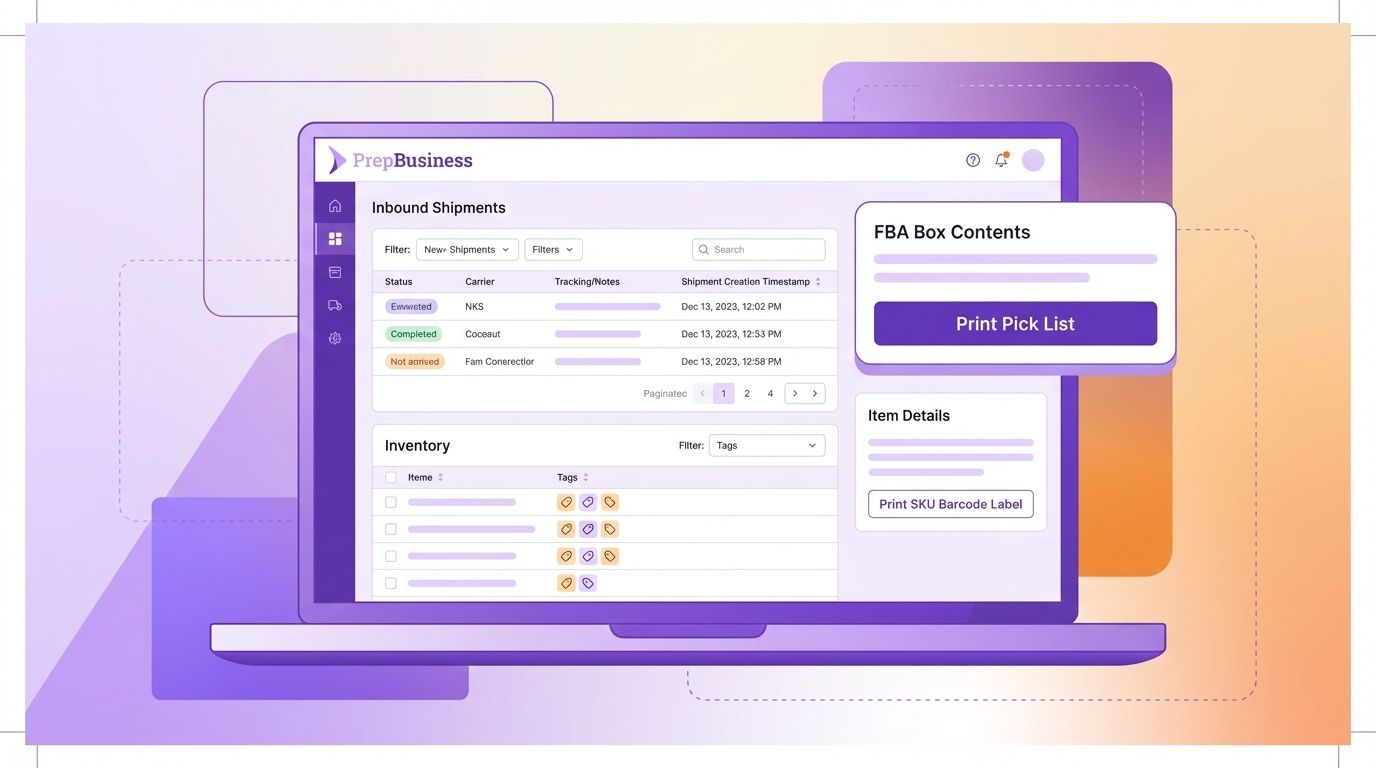
The inbound shipments list is now paginated instead of loading all shipments at once, which significantly improves load times for accounts with large shipment histories. A new Status filter lets you quickly narrow the list to Open, Shipped, or Received shipments. Searching now includes shipment notes, internal notes, and tracking numbers in results. The list also updates live when shipment tags, names, or statuses change β€” no refresh needed.

Print Pick List from FBA Box Contents

A "Print Pick List" button is now available in the remaining quantities panel of the FBA box contents step. Click it to instantly generate a pick list for any items not yet assigned to boxes, without leaving the workflow.

Tag Filter on Inventory

The inventory list now includes a tag filter. Select a tag from the filter dropdown to see only items assigned that tag.

Print SKU Barcode Label from Item Details

A print button has been added next to the merchant SKU in item details, letting you quickly open the barcode label printer pre-loaded with the SKU β€” consistent with the existing print buttons for other identifiers.

Shipment Creation Date in Details

The date and time when an inbound shipment was created is now visible in the Shipment Details section of the inbound shipment page.

Bug Fixes & Improvements

  • Fixed stale transportation confirmation state when placement options are regenerated in FBA transport
  • Fixed in-progress notes being lost when a shipment is refreshed in the background
  • Fixed stale inbound shipment data appearing when navigating back to a shipment
  • Fixed autoplanner getting stuck at 90% indefinitely
  • Fixed FBA box contents and transport plan error handling
  • Fixed spreadsheet upload not showing the invalid quantity count and keeping the filter toggle visible after all items resolve
  • Fixed Amazon channel reconnection not propagating fresh tokens to connected sibling channels
  • Fixed inbound shipment search timeouts for large catalogues
  • Fixed inventory report syncs clearing listing conditions

March 18th, 2026

Live Updates to Inbound Shipments
Updates to inbound shipment notes, tracking numbers, status, attachments, and tags now reflect live on all pages with that shipment opened. When one user updates those properties, those updates are shown immediately for all other users with that same shipment opened.

Other entities will be migrated over time to use this same live updating pattern.

Bulk Inbound Shipment Creation
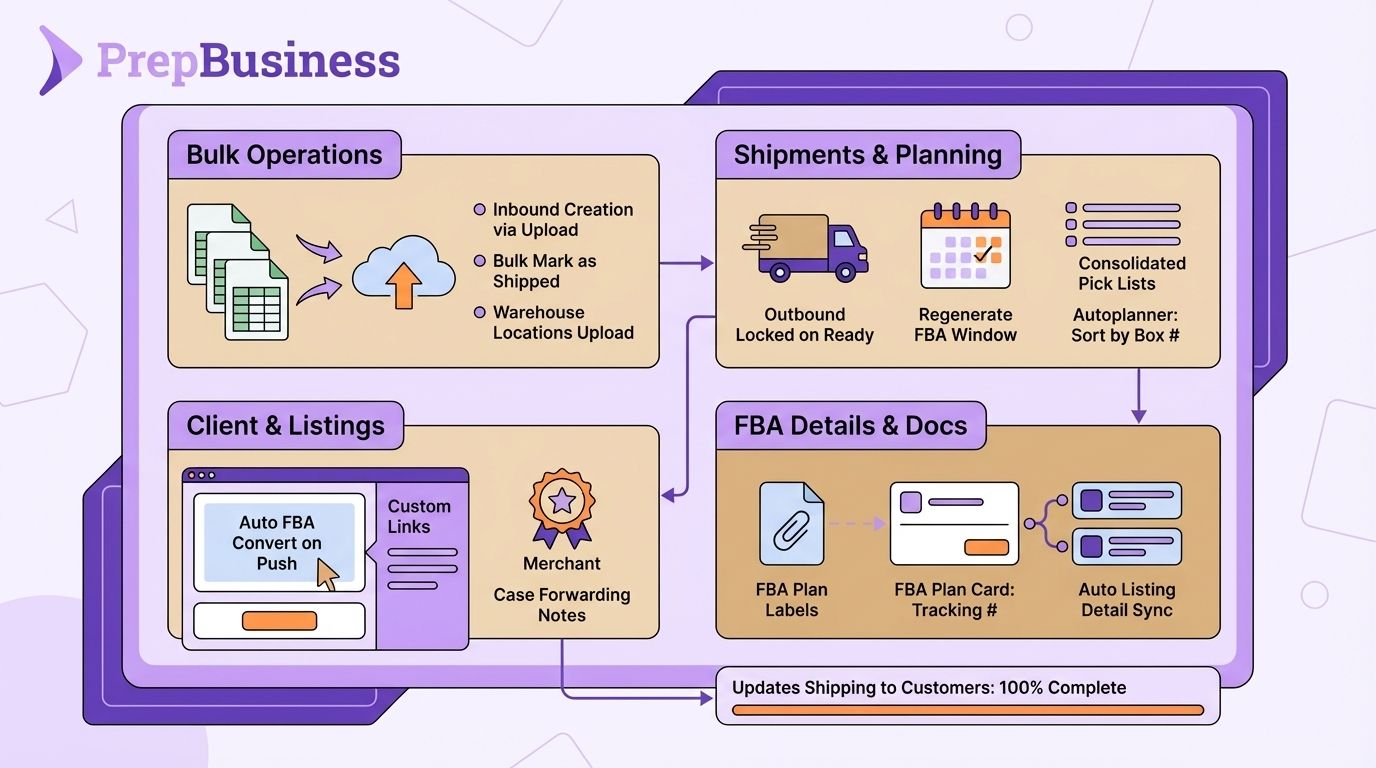
You can now create multiple inbound shipments at once by uploading a spreadsheet. Upload a CSV file, map columns to required fields, set a default identifier type (ASIN, UPC, FNSKU, etc.), and verify items before creating β€” making it fast to set up large batches of inbound shipments without entering each one manually.

Bulk Mark as Shipped
Select multiple open inbound shipments from the shipments list and mark them all as shipped in a single action, saving time when processing multiple shipments at once.

Spreadsheet Upload for Locations
Warehouse locations can now be created in bulk by uploading a CSV file. Download an example template, map columns, validate rows, and create all locations at once with progress tracking.

Invoice PDF Attached to Payment Emails
The "Invoice Ready for Payment" email now includes the invoice PDF as an attachment, so merchants have it available directly in their inbox without needing to log in to download it.

Auto-Convert Listings to FBA on Push
When a listing is pushed to Amazon, it is now automatically converted to Fulfilled by Amazon (FBA) mode. This eliminates the need for a separate manual step after pushing.

Client Sidebar Custom Links
Service providers can now add custom external links to the merchant client sidebar. Links are managed from service provider settings and appear for all merchants, making it easy to surface external tools or resources your team uses.

Case Forwarding Request for Merchants
Merchants can now request case forwarding when creating outbound shipments. The toggle adds a note to the shipment asking the warehouse to set it as case forwarding, while service provider users retain the direct toggle behavior.

Outbound Shipments Locked on Ready to Ship
Outbound shipments are now automatically locked when marked as "Ready to Ship," preventing accidental edits after the shipment has been submitted.

Regenerate FBA Delivery Window Options
A new "Regenerate" button on the Delivery Options step of the FBA transport workflow lets you fetch fresh delivery window options, even when expired options are cached. Previously, expired windows could not be regenerated without support.

Multi-Shipment Pick Lists
You can now select multiple outbound shipments and generate a single consolidated pick list. The merged PDF includes a summary page with quantities grouped by item, followed by individual per-shipment pages.

FBA Plan Labels in Attachments Tab
FBA plan labels are now accessible directly from the Attachments tab on outbound shipments. The tab badge count reflects both regular attachments and FBA labels combined.

Tracking Numbers on FBA Plan Card
All tracking numbers for non-partnered shipment β€” LTL bill of lading, freight bill numbers, and SPD box tracking IDs β€” are now displayed on the FBA plan card in the shipment view, with copy-to-clipboard buttons for each.

Autoplanner: Sort Labels by Internal Box Number
The Autoplanner now includes an option to sort labels by internal box number, giving you more control over label order when running automated FBA transport workflows.

Sync Listing Details When Linking Items
When linking a listing to an existing item (manually or via spreadsheet upload), identifiers, images, and dimensions are now automatically copied from the listing to the item. This fixes scan-to-receive for items that previously only had "From Linked Listing" identifiers.

Badge for Merchants Without Connected Channels
The merchants list now shows an amber badge next to merchants that don't have an active channel connected, making it easy for staff to identify accounts that need attention.

Bug Fixes & Improvements

  • Fixed quantity loss when spreadsheet uploads contain duplicate item rows

  • FNSKU labels now correctly show expiry dates in the right panel on the FBA box contents step

  • Carrier selection visual feedback restored in FBA transport

  • Fixed split packing groups not adding items to new shipments

  • Actual received quantities are now correctly transferred when merging inbound shipments

  • Fixed blocked delivery windows not showing as blocked in the UI

  • Scanning barcodes in inbound shipments now correctly matches items via linked listing identifiers

  • Fixed EU date format being incorrectly parsed in the listings sync process

  • Fixed incorrect channel connection status shown on the merchants list

  • Unsellable item edits now update immediately without requiring a server re-fetch

  • Fixed incorrect assigned user shown in the Available Stations table

  • FNSKUs are now automatically synced when a dangerous goods error contains an unmatched FNSKU
February 26th, 2026

Package Presets in FBA Box Contents

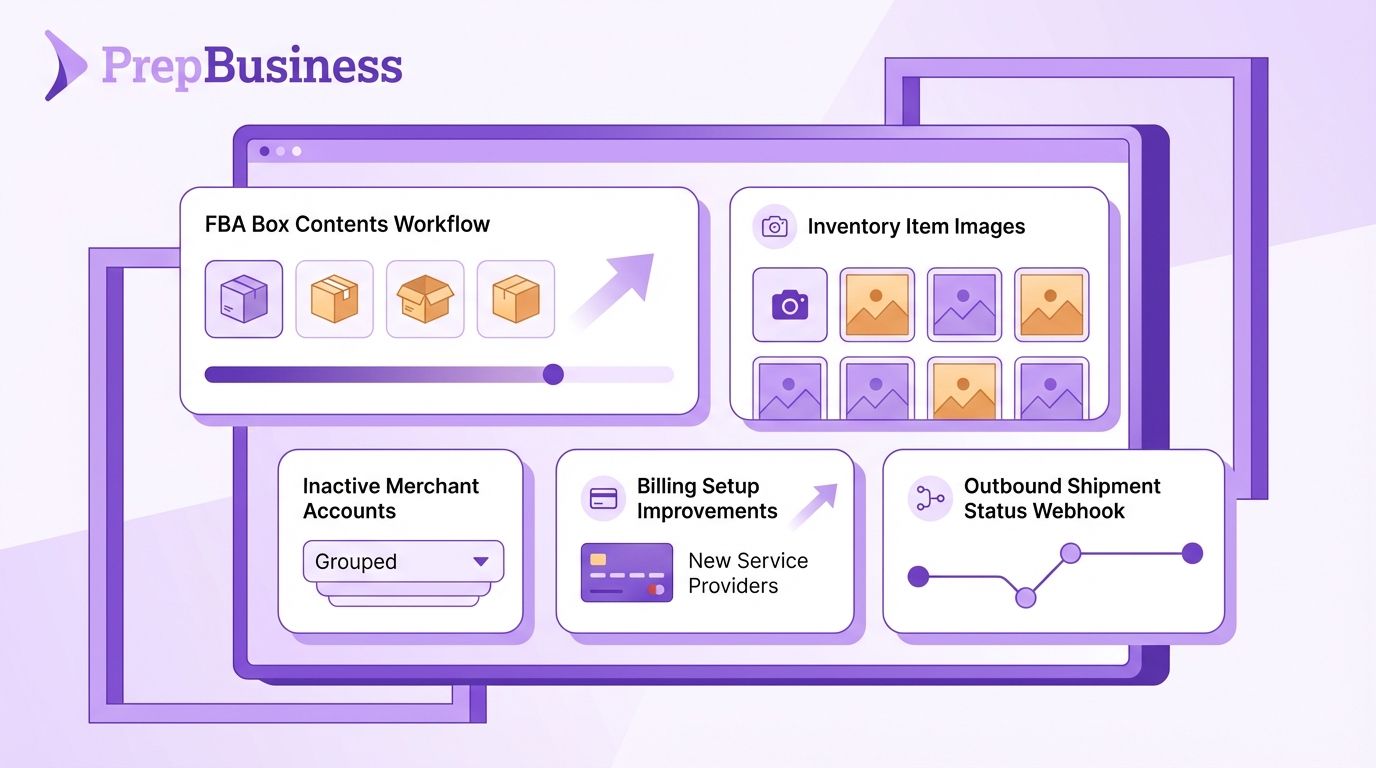
You can now use saved package presets when filling in box dimensions during the FBA arrange transport workflow. Select a preset directly on each box group or when setting default dimensions for the shipment β€” and manage your presets (create, edit, delete) from a dedicated panel without leaving the workflow.

Package Presets

Inventory Item Images

A new Images tab on inventory item pages lets you manage images for your items. Add images by URL, remove them, or copy images directly from linked channel listings such as Amazon β€” keeping your inventory records up to date without extra steps.

Inventory Images

Outbound Shipment Status Webhook

A new outbound_shipment.status_changed webhook fires on every outbound shipment status transition (Draft β†’ Open, Open β†’ Shipped, and Shipped β†’ Closed). The payload includes the previous status, making it easier to build integrations that react to any shipment status change with a single subscription.

Bug Fixes & Improvements

  • Fixed FNSKUs not appearing on pick/pack lists and scan-to-receive for items whose identifiers are linked from channel listings rather than stored directly on the item
  • Services are now correctly copied to all resulting shipments when FBA transport splits a shipment into packing groups
  • Fixed services being lost when merging inbound shipments β€” services are now preserved across the merge with quantities summed correctly
  • Merchants can now manage services on draft outbound shipments (the UI was incorrectly limiting this to open shipments)
  • Fixed the reconcile screen not displaying Expected Quantity and Difference values
  • Non-partnered inbound shipments now correctly require delivery window confirmation before transportation options can be confirmed, in line with Amazon requirements
  • Various performance improvements for inventory search, location search, and large CSV export jobs

February 13th, 2026

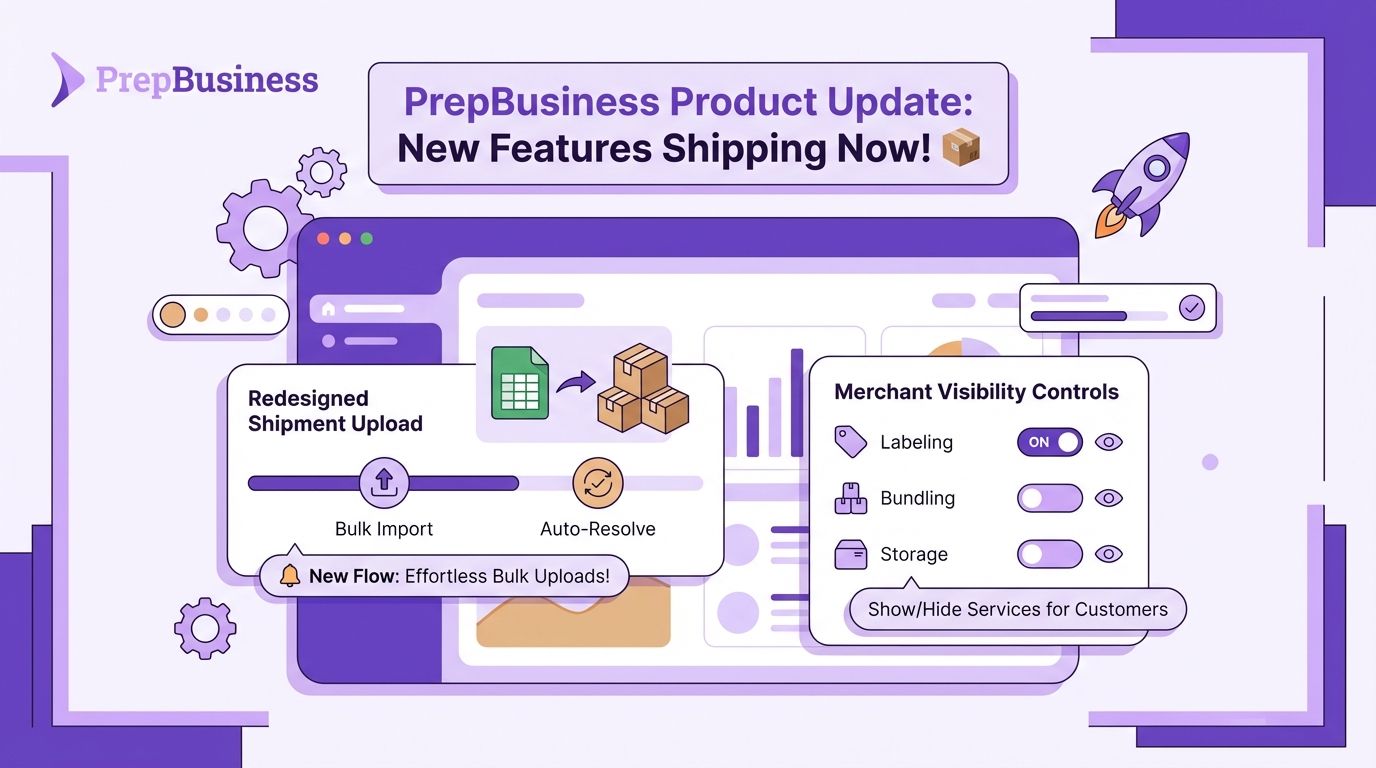
Shipment Upload Redesign

The "Add Items" upload flow for shipments has been redesigned. After uploading a spreadsheet, you now see a preview table showing all uploaded SKUs and quantities with automatic item resolution β€” the system identifies which items already exist, which have matching listings, and which are unresolved. You can create missing items individually or in bulk directly from the preview before adding everything to your shipment.

Per-Service Merchant Visibility

Service providers can now control which services are visible to merchants on a per-service basis. This replaces the previous all-or-nothing global toggle, allowing you to selectively show or hide individual services for your customers.

Per-Service Merchant Visibility

Bug Fixes & Improvements

  • Fixed the "Print labels and skip items without FNSKUs" alert persisting after a successful FNSKU sync resolved the missing FNSKUs
  • Corrupted or empty spreadsheet uploads now show a clear error message instead of failing silently
  • Improved Stripe tax validation error handling β€” invoices now show a helpful error when customer location information is missing
  • Card declined notifications are now properly sent when invoice collection fails
  • Improved Amazon API reliability with better rate limit handling and retry logic
  • Fixed inventory upload errors when operations complete before result handling

February 5th, 2026

Listing View Page

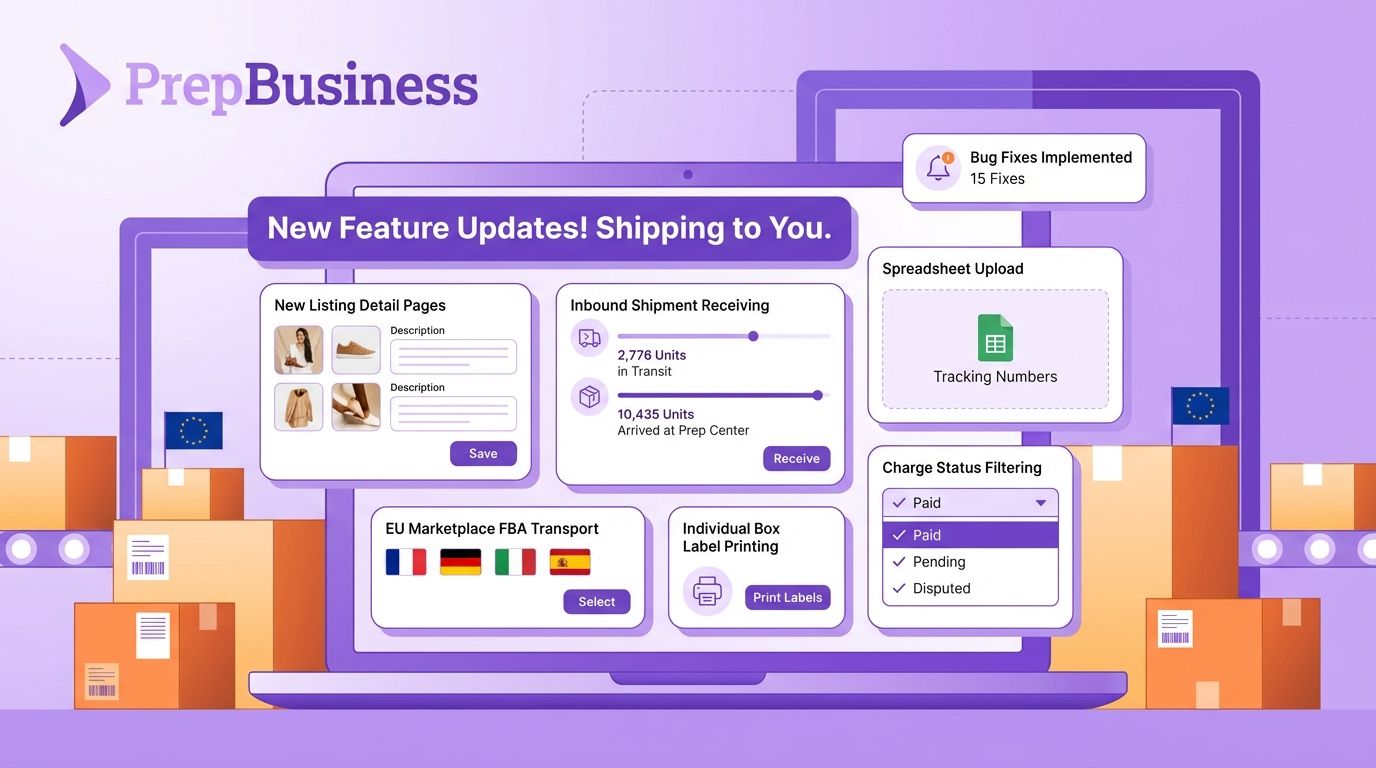
You can now click into any individual listing to see a dedicated view page. The listing view shows identifiers, images, condition details, linked inventory items, and sync status β€” with the ability to trigger re-syncs directly from the page. You can also delete identifiers and link items to listings from this view.

Inbound Shipment Receiving List

A new "Download Receiving List" option is available on inbound shipments. It generates a PDF with planned and received quantities, making it easy to spot discrepancies during warehouse receiving.

Spreadsheet Upload for Tracking Numbers

You can now upload a CSV or Excel file when adding tracking numbers to inbound shipments. The system auto-detects the tracking number column using fuzzy matching, shows a preview, and lets you override the column selection if needed.

FBA Transport: EU Marketplace Selection

EU users can now select a destination marketplace when creating FBA plans, instead of being locked to their connected channel's marketplace.

FBA Transport: Individual Box Label Printing

You can now print labels for individual boxes or specific box numbers in the FBA transport pack-later workflow, rather than printing all box labels at once.

FBA Transport: Duplicate ASIN Warnings

Duplicate ASIN validation has been converted from a blocking error to an informational warning. You can now proceed with FBA shipment plans when items share the same ASIN, as long as they have seller labels with unique FNSKUs.

Charges: Status Filter & Export

Charges can now be filtered by status (Open, Invoiced, Voided) using a new dropdown filter. The status column is also included in charge items CSV exports.

Bug Fixes & Improvements

  • Autoplanner now correctly selects a single carrier with the lowest total cost across all shipments, instead of potentially mixing carriers
  • Fixed race conditions in billing when invoices are paid during collection or when invoices are forgiven
  • Fixed SKUs containing commas breaking Amazon search
  • Fixed box label name truncation for ranged box numbers
  • Fixed billing table overflow and description wrapping issues
  • Improved handling of Stripe card decline errors
  • Mark-as-shipped API endpoint is now idempotent
  • FNSKU count queries optimized, resolving timeout errors
  • Improved Amazon API reliability with better transient error handling and retry logic
  • Fixed autoplanner lock contention on placement options
  • Fixed form submission handling for HTTP 408 timeout errors