Live Updates to Inbound Shipments
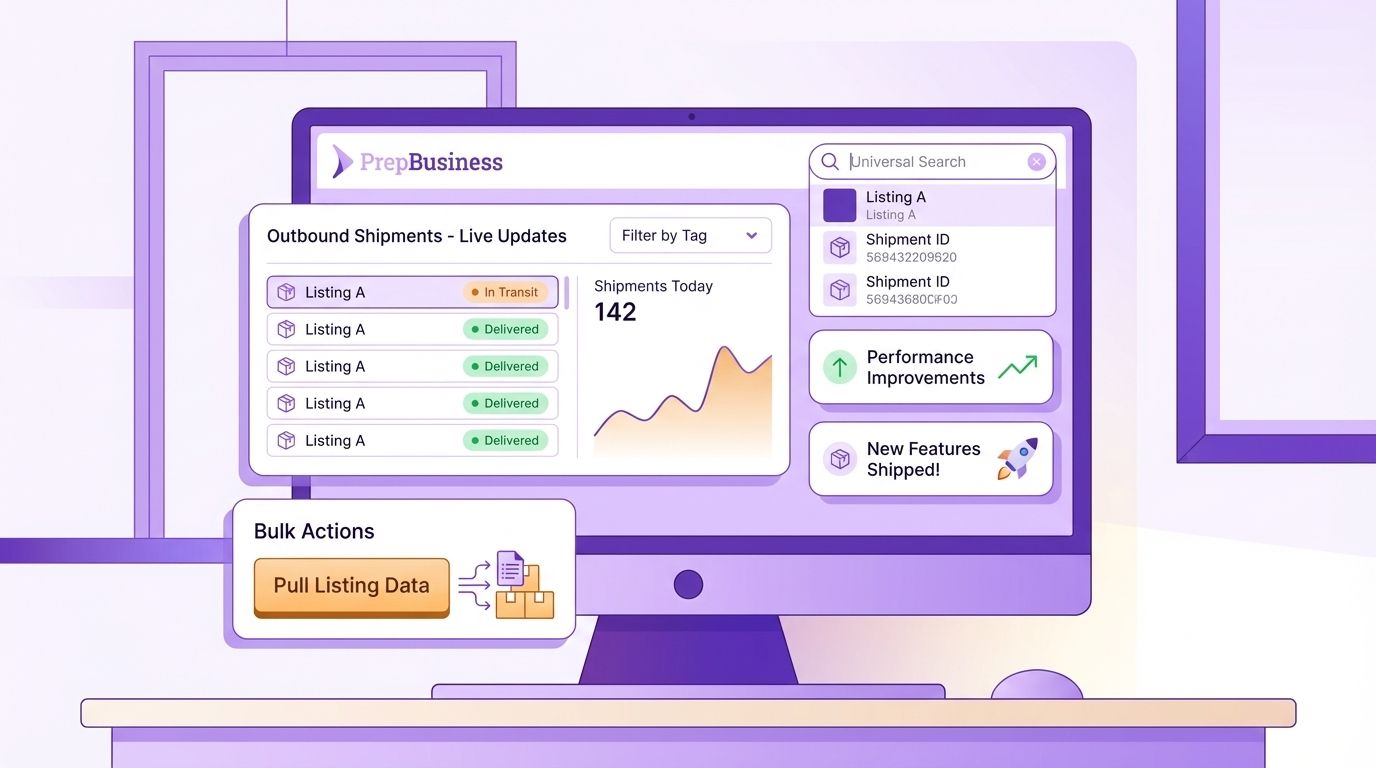
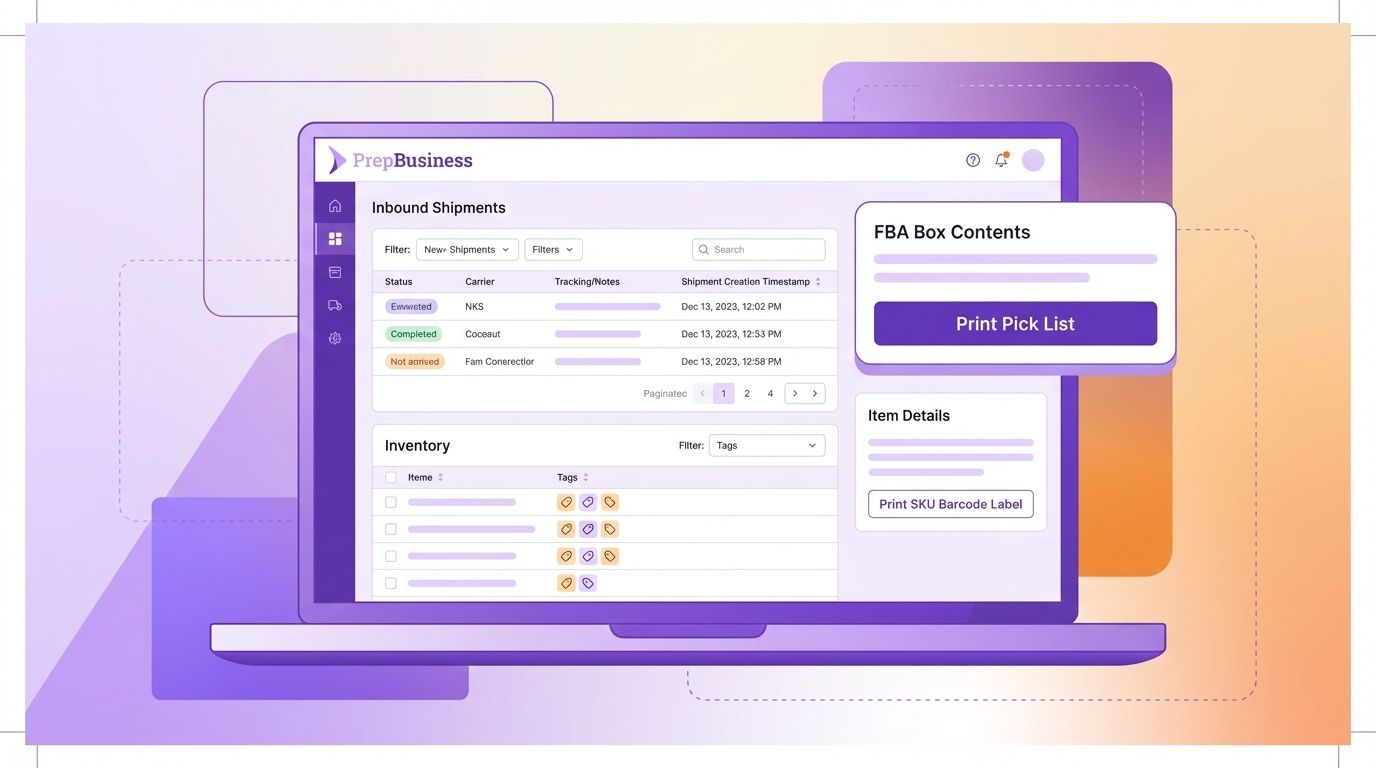
Updates to inbound shipment notes, tracking numbers, status, attachments, and tags now reflect live on all pages with that shipment opened. When one user updates those properties, those updates are shown immediately for all other users with that same shipment opened.
Other entities will be migrated over time to use this same live updating pattern.
Bulk Inbound Shipment Creation
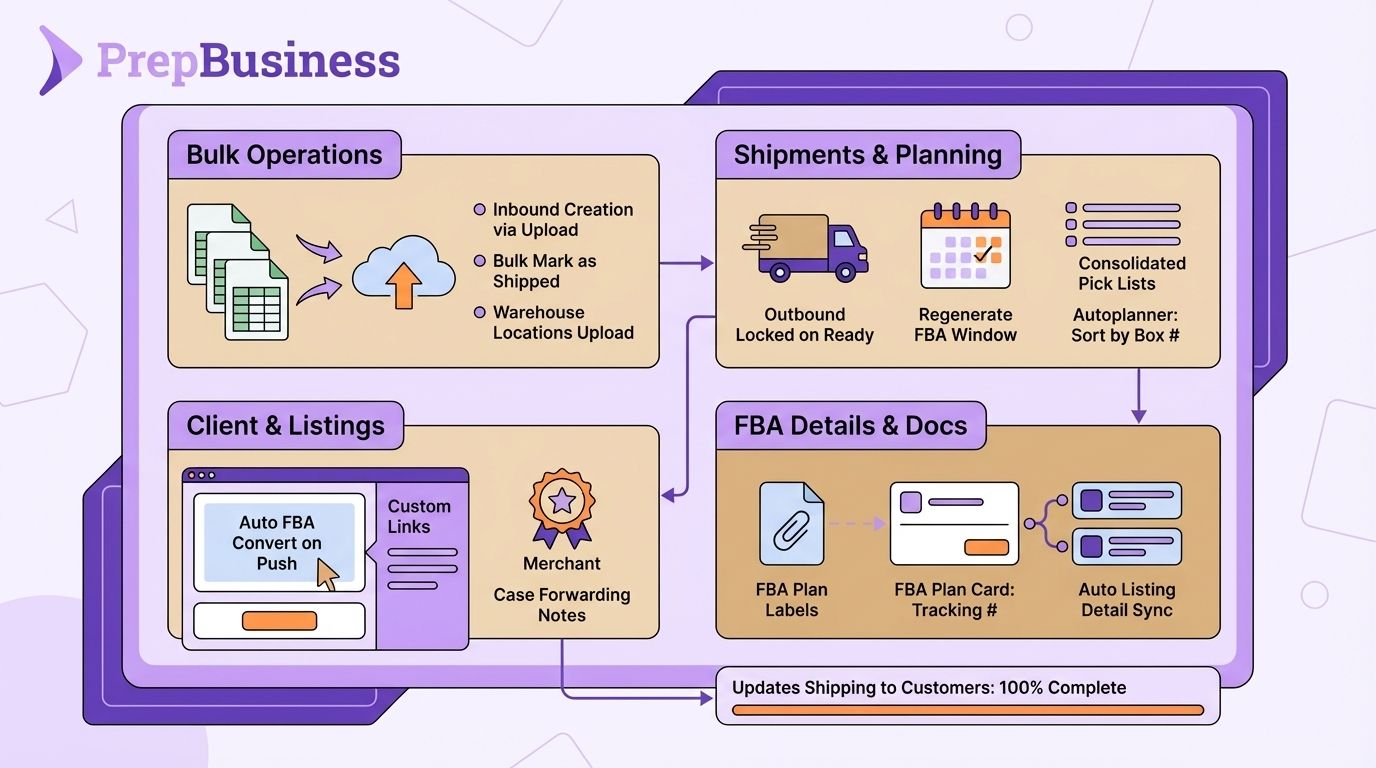
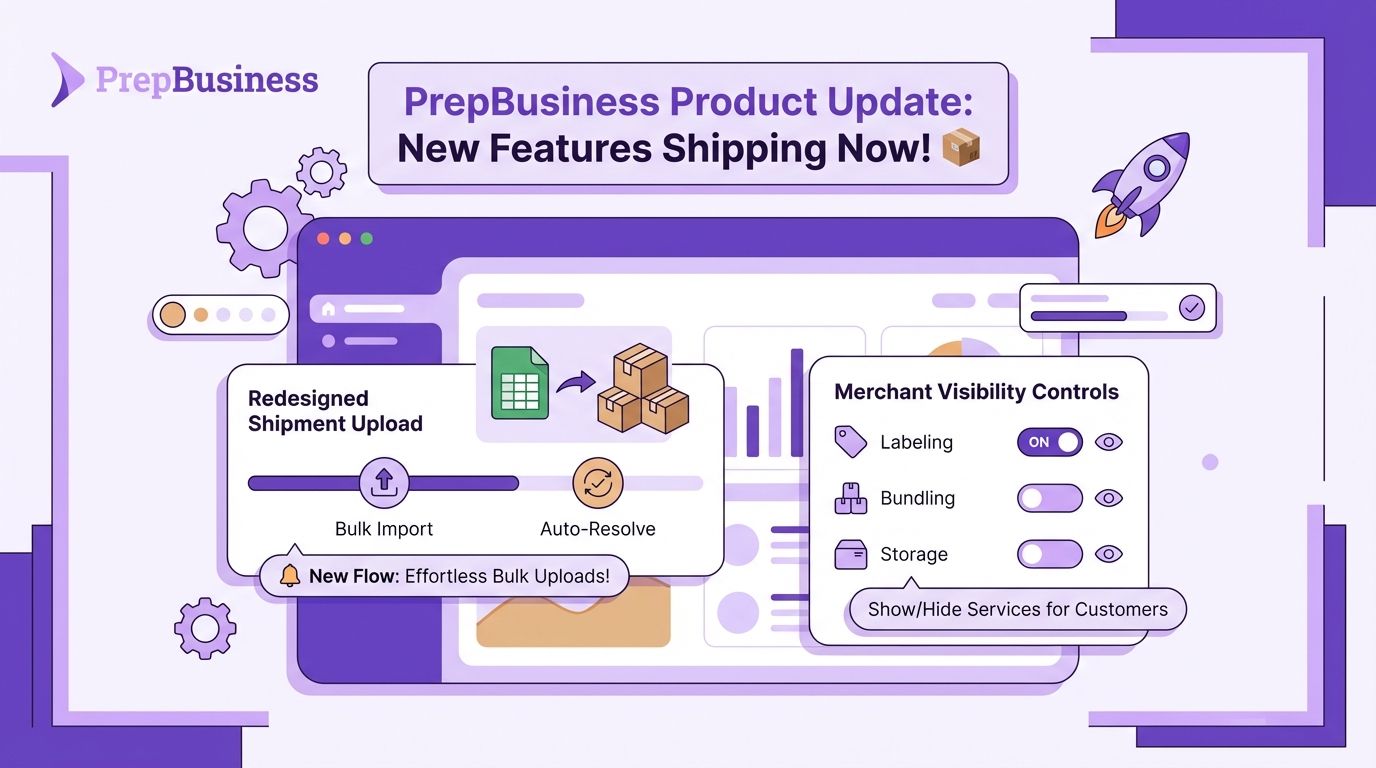
You can now create multiple inbound shipments at once by uploading a spreadsheet. Upload a CSV file, map columns to required fields, set a default identifier type (ASIN, UPC, FNSKU, etc.), and verify items before creating — making it fast to set up large batches of inbound shipments without entering each one manually.
Bulk Mark as Shipped
Select multiple open inbound shipments from the shipments list and mark them all as shipped in a single action, saving time when processing multiple shipments at once.
Spreadsheet Upload for Locations
Warehouse locations can now be created in bulk by uploading a CSV file. Download an example template, map columns, validate rows, and create all locations at once with progress tracking.
Invoice PDF Attached to Payment Emails
The "Invoice Ready for Payment" email now includes the invoice PDF as an attachment, so merchants have it available directly in their inbox without needing to log in to download it.
Auto-Convert Listings to FBA on Push
When a listing is pushed to Amazon, it is now automatically converted to Fulfilled by Amazon (FBA) mode. This eliminates the need for a separate manual step after pushing.
Client Sidebar Custom Links
Service providers can now add custom external links to the merchant client sidebar. Links are managed from service provider settings and appear for all merchants, making it easy to surface external tools or resources your team uses.
Case Forwarding Request for Merchants
Merchants can now request case forwarding when creating outbound shipments. The toggle adds a note to the shipment asking the warehouse to set it as case forwarding, while service provider users retain the direct toggle behavior.
Outbound Shipments Locked on Ready to Ship
Outbound shipments are now automatically locked when marked as "Ready to Ship," preventing accidental edits after the shipment has been submitted.
Regenerate FBA Delivery Window Options
A new "Regenerate" button on the Delivery Options step of the FBA transport workflow lets you fetch fresh delivery window options, even when expired options are cached. Previously, expired windows could not be regenerated without support.
Multi-Shipment Pick Lists
You can now select multiple outbound shipments and generate a single consolidated pick list. The merged PDF includes a summary page with quantities grouped by item, followed by individual per-shipment pages.
FBA Plan Labels in Attachments Tab
FBA plan labels are now accessible directly from the Attachments tab on outbound shipments. The tab badge count reflects both regular attachments and FBA labels combined.
Tracking Numbers on FBA Plan Card
All tracking numbers for non-partnered shipment — LTL bill of lading, freight bill numbers, and SPD box tracking IDs — are now displayed on the FBA plan card in the shipment view, with copy-to-clipboard buttons for each.
Autoplanner: Sort Labels by Internal Box Number
The Autoplanner now includes an option to sort labels by internal box number, giving you more control over label order when running automated FBA transport workflows.
Sync Listing Details When Linking Items
When linking a listing to an existing item (manually or via spreadsheet upload), identifiers, images, and dimensions are now automatically copied from the listing to the item. This fixes scan-to-receive for items that previously only had "From Linked Listing" identifiers.
Badge for Merchants Without Connected Channels
The merchants list now shows an amber badge next to merchants that don't have an active channel connected, making it easy for staff to identify accounts that need attention.
Bug Fixes & Improvements
Fixed quantity loss when spreadsheet uploads contain duplicate item rows
FNSKU labels now correctly show expiry dates in the right panel on the FBA box contents step
Carrier selection visual feedback restored in FBA transport
Fixed split packing groups not adding items to new shipments
Actual received quantities are now correctly transferred when merging inbound shipments
Fixed blocked delivery windows not showing as blocked in the UI
Scanning barcodes in inbound shipments now correctly matches items via linked listing identifiers
Fixed EU date format being incorrectly parsed in the listings sync process
Fixed incorrect channel connection status shown on the merchants list
Unsellable item edits now update immediately without requiring a server re-fetch
Fixed incorrect assigned user shown in the Available Stations table
FNSKUs are now automatically synced when a dangerous goods error contains an unmatched FNSKU